Android is a customized and optimized mobile operating system, but you don’t like that your phone’s visualization, looks like as my phone. This happens in everyone case, that’s why we always try to make something different from other. Android launcher apps help us to customize our phone’s graphical look.
Every stock rom comes with the default launcher app, but this is not sufficient for us. Some of the best android launcher apps are available in the Play Store, and today I discuss about some unique of them.
1) Action Launcher
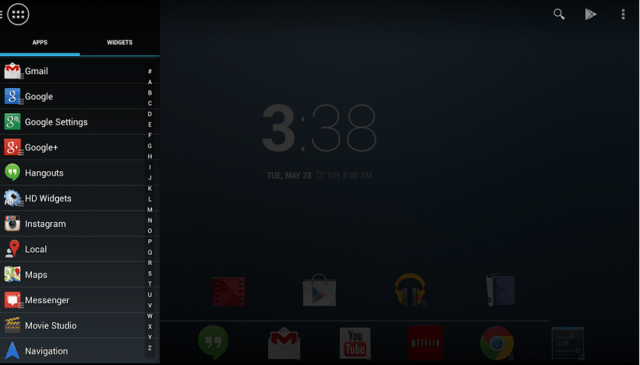
Action launcher is one of the top launchers and a unique UI for those who wants to categorize their apps alphabetically. The home screen is simple design and there is no app menu. You can simply access your apps and widgets directly by sliding left. A long list of applications in that slide Quickdrawer, which arranged in alphabetically and easy to find out your required one. Quick search, a quick and highly effective function that allows you to look for applications, contacts and even songs straight from the activity bar.
2) Smart Launcher 2
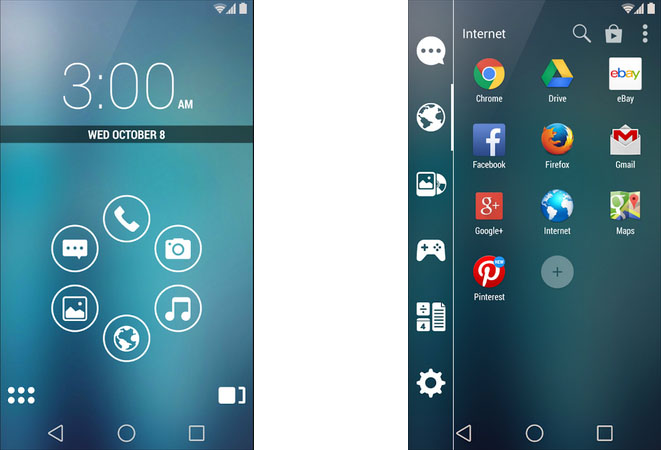
It is a faster app launcher which I have used. It makes your home screen something that looks much more like a lock screen, with six default icons with flower style giving, you access to the most commonly used applications like the web browser, Music player, Camera, etc. You can also set your own with flower and flat look. In Appdrawer, you can see all apps are categorized by Communication, Internet, Games, Media, Utility and Settings. After every app installed, it automatically associated with one category, that’s why it called as Smart Launcher.
3) 360 Launcher
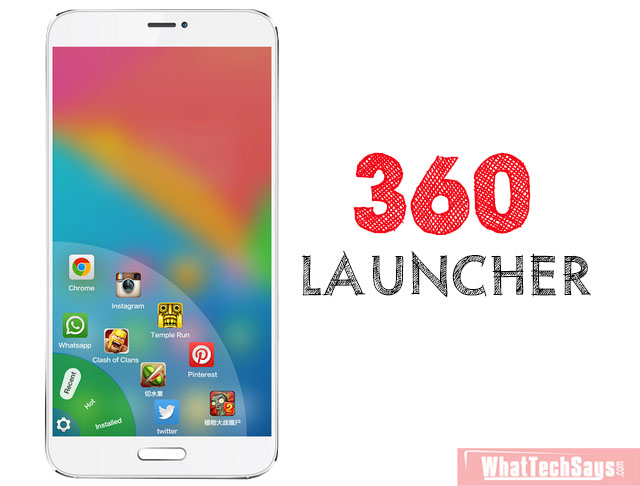
It basically looks like Go launcher, but when you swipe from left-bottom corner or right-bottom corner, you can find out an app drawer with a beautiful animation. It contains your recent apps, installed apps, and 360 launcher customization settings. 360 has the inbuilt cleaner app, that cleans the current running applications. There are over millions+ free themes, icons and live wallpapers. If want to do more with your phone’s UI, then must try it.
4) Launcher 8
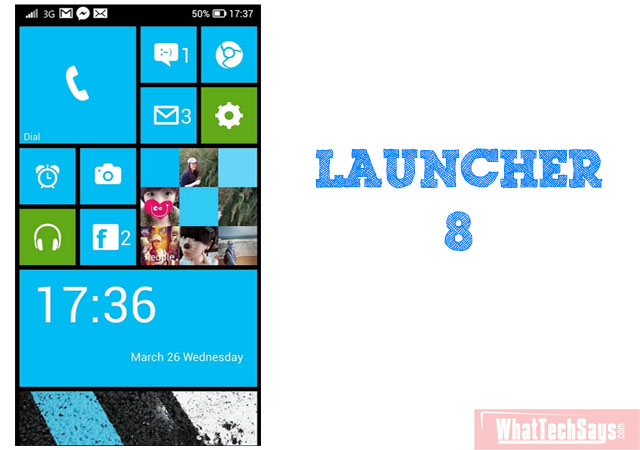
Tired of Android? Then must try Launcher 8. This is basically a windows style launcher, which gives windows 8 phone experience on your Android phone. Just like windows phones, swipe right-left to access your apps. In main screen you can resize, rearrange your app tiles and can be able to change their color. Add your own application, widget or shortcuts by tapping the bottom. By using this launcher, there is no need to go to a windows phone.
5) SimplEye Launcher
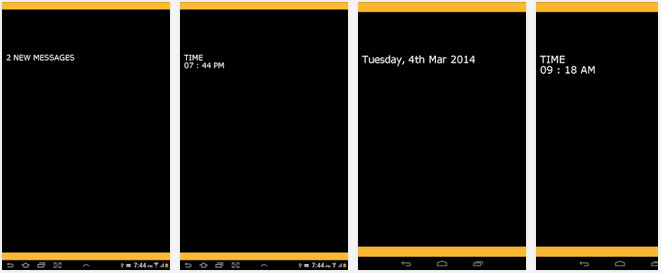
SimplEye is mainly useful for visually challenged people. The concept of this launcher is unique and simple. You can say, it is a CUI and voiced based launcher. The program guarantees the display has one factor at the same time. A speech narrates the factor that is on display. It also allows customers to communicate with the factor using easy gestures.
All the above four launchers are come with a free and pro features. If you want to do more with your launcher, then buy the premium version. All these launchers are very fast and unique like design. Choose your own launcher and share your experience.