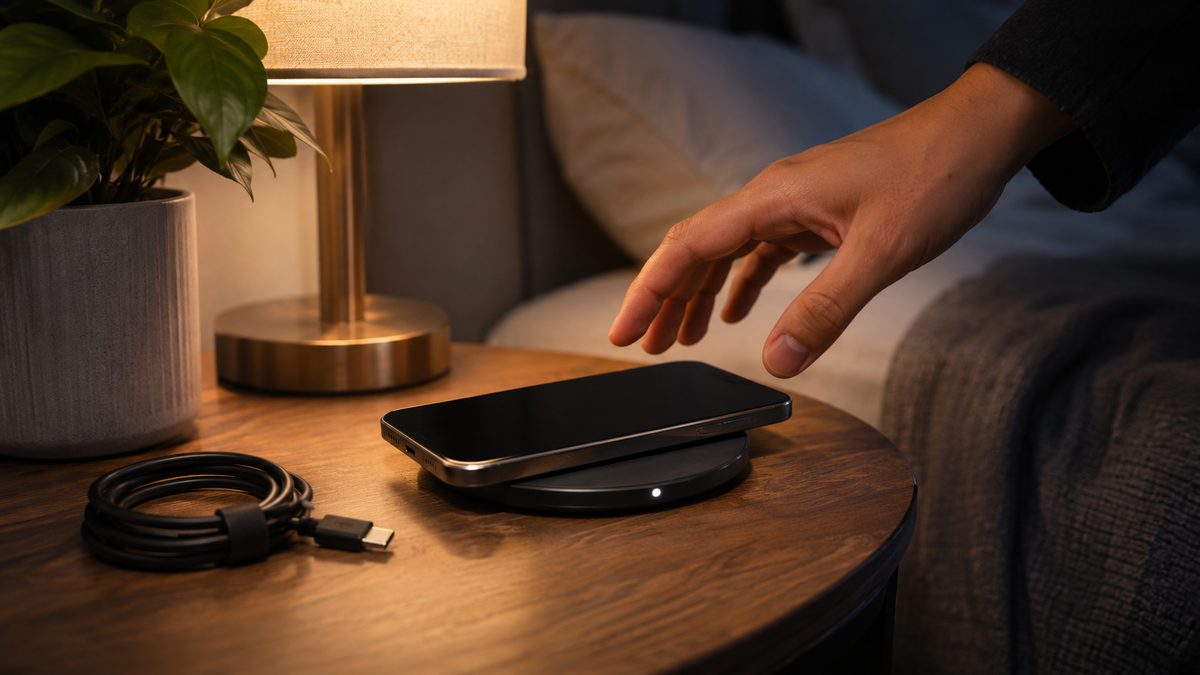
If your Pixel says "Charging" on a wireless pad but the battery percentage keeps falling, you are not alone. Owners of the Pixel 10, Pixel 10 Pro and Pixel 10 Pro XL started reporting it right after the November 2026 update, and Google has not released a fix yet. Wired charging still works for the people affected, so plug in a USB-C cable tonight and use the checks below to see what is going on with your pad.
What happened and who is affected
The reports started in a Google Pixel Community thread opened on November 11 by a Pixel 10 Pro XL owner. After installing the November update, the phone showed it was charging on several certified Qi2 chargers that had worked fine before, yet the battery level went down. A hard reboot and a reset of Wi-Fi and Bluetooth settings did not help, and battery diagnostics came back normal. Google later tagged the thread as a trending issue.
Other owners in the same thread describe the same thing:
- The screen says "Charging", but the light on the charger never turns on.
- A Pixel 10 left on a pad overnight wakes up with a drained battery.
- Rebooting changes nothing.
Android Authority, which first covered the thread on November 12, notes that nothing proves the update is the cause beyond the timing and what users say. It also points out that the official November changelog lists one battery fix, for a charging indicator that showed up when no charger was connected. That fix targets a different symptom.
The November build for the Pixel 10 series is CP4A.261105.040.A1, and the Pixel 11 series gets CP4A.261105.040.D1 (B2 in Canada), according to Google's update post. If you want the full list of what this update changed, read our guide to the Pixel November 2026 update with Android 17 QPR2.
How to check and work around wireless charging step by step
These steps come from Google's Pixel Help pages. They will not patch a software bug, but they rule out the causes Google support will ask about first, and they tell you whether your phone is really charging.
- Check that the battery is actually going up. Put the phone on the pad, open Settings and tap Battery. Note the percentage, wait 10 minutes and check again. Do not trust the "Charging" label on the lock screen alone.
- Run Charging diagnostics. Open Settings > Battery & charging > Charging diagnostics. Google says it checks for high temperature, liquid or debris, and incompatible chargers, and suggests a fix. It is available on Pixel 6 and later.
- Remove the case and accessories. Google recommends taking off any case that is not Qi2 compatible, plus PopSockets, ring holders and magnetic attachments.
- Re-center the phone on the pad. One user in a related thread said repositioning the phone sometimes brought charging back. On a car mount, Google's own advice is to remove the phone, strip the accessories and place it back on the center of the pad.
- Let a warm phone cool down. Google says a Pixel can pause charging when it gets too warm, and charging starts again once it cools.
- Check Charging optimization. Go to Settings > Battery > Battery health > Charging optimization. If Limit to 80% is on, a phone that sits at 80% is working as designed. That setting holds the level steady. It does not make it drop.
- Use a USB-C cable for overnight charging. Affected owners who mention it say wired charging still works. Google itself recommends a wired connection when wireless charging keeps cutting out.
If it still doesn't work
Try a different pad before you buy a new one. One owner in the community thread bought a new wireless charger and found the phone was the problem. Another tested four chargers on November 14: a Peak Design car charger, a Google Pixelsnap Charger and a Bosch grip charger worked, but a Peak Design wireless stand did not. So the bug may hit some chargers and not others.
Send a bug report with logs. A Diamond Product Expert in the thread recommends Settings > About phone > Send feedback about this device, then tapping the Account and system information link so your logs go with it. That is what gives engineers something to work with.
Contact Google support. You can open a case at Pixel Phone Help. One owner says the specialist blamed the case and the charger, then suggested a factory reset. I would skip the reset for now. As another user pointed out, the phone would reinstall the same update anyway.
Watch for the next update. Open Settings > System > Software updates to see whether a newer build is waiting. Google has not said when, or whether, a fix is coming. If your camera also stopped working after the same update, see our fix for the Pixel camera after the November update.
Quick answers
Why does my Pixel say charging but the battery goes down?
Since the November 2026 update, a number of Pixel 10 series owners see exactly this on wireless pads that worked before. Google has not confirmed the cause. Check with Charging diagnostics, rule out a warm phone and the case, then charge with a cable until a fix lands.
Does the Pixel 10 work with old Pixel Stands?
No. Google says the Pixel 10 and later will not charge wirelessly on the Pixel Stand 1st gen or 2nd gen. That is by design and has nothing to do with the November update. Older Qi 1.x chargers still work, but only at up to 5W.
Which Pixel phones support wireless charging?
Wireless charging is on Pixel 3 and later, except the Pixel 3a, 4a, 4a (5G), 5a and 6a. The Pixel 10 and later, apart from the Pixel 10a, also support magnetic Qi2 charging.