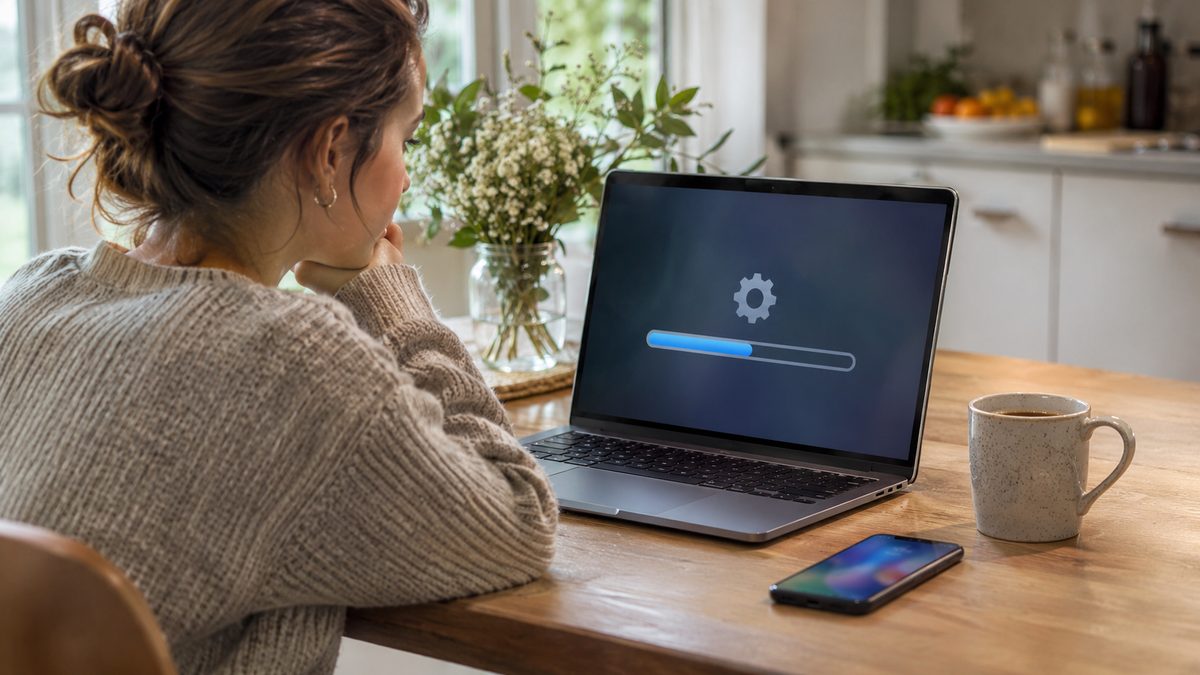
Yes, Windows 11 version 26H2 can now install itself. Since November 18, 2026, Microsoft has been pushing it automatically to personal PCs running Windows 11 24H2 or 25H2 that are not managed by an IT department. If you would rather pick the moment, you can install it today from Settings > Windows Update, or hold it back for up to 35 days with Pause updates.
What changed on November 18, and who is affected
Windows 11 26H2, also called the Windows 11 2026 Update, shipped on September 29. Until this week you only got it if you went looking for it: since late October, every eligible PC could download it with a manual check. Microsoft's release health page now says it is "gradually expanding automatic delivery, beginning with devices running Windows 11, versions 24H2 and 25H2, that are not managed by IT departments."
- Home PCs and small business PCs nobody manages: part of the automatic wave. It arrives gradually, so yours may update in a few days or a few weeks.
- Work or school PCs: not part of this rollout. They keep following the update rules set by IT.
- PCs with a known compatibility problem: Microsoft can put a safeguard hold on them, and the update is not offered until the issue is fixed.
This is not a full reinstall. 26H2 comes as an enablement package rather than a full reinstall of Windows, and Microsoft says it uses servicing technology for a fast installation. Windows Latest adds that any required restart is generally scheduled outside your active hours. Installing it also resets the support clock, so your PC keeps getting security fixes for longer.
How to check your version and install 26H2 now, step by step
If you want to choose when the restart happens instead of waiting for it, do it yourself. Save your open work first.
- Open Settings > System > About and look at the version. If it already says 26H2, you are done.
- Go to Settings > Windows Update.
- Select Check for Windows updates.
- If Windows 11, version 26H2 shows up, select Download & install.
- Restart when Windows asks.
- Optional: turn on Get the latest updates as soon as they're available on the same page if you want future feature updates early.
Is it worth installing? On an 8GB laptop tested by Windows Latest, RAM in use after a restart dropped from about 5GB on 25H2 to about 3.3GB on 26H2. That is one machine, not a promise, but it matches Microsoft's own claims about faster Start, Search, Settings and File Explorer on 8GB PCs.
How to pause the 26H2 update for now
Maybe you are travelling, in the middle of a deadline, or you just want to wait a few weeks for other people to find the bugs. Pausing is the only switch Microsoft offers on a personal PC, and it is temporary.
- Select Start > Settings > Windows Update.
- On the Pause updates control, select Pick a date.
- Choose an end date. The calendar lets you go up to 35 days from today.
- When the date gets close, open the same calendar and pick a new end date to extend. The new limit is again 35 days from that day, unused days do not add up.
Keep in mind what a pause really does. It blocks every update, monthly security fixes included, and it cancels updates already in progress. When the pause ends, Windows checks, downloads and installs the latest updates on its own. You can resume early at any time from the same page.
If it still doesn't work
- 26H2 never shows up after a manual check. Your PC may be under a safeguard hold. Open the Windows 11 26H2 release health page and read the known issues list. Holds are lifted once the issue is fixed, so waiting is the safe option. If you are still on an older release, see our note on Windows 11 23H2 reaching the end of updates.
- Your USB headset or DAC went silent after 26H2. Microsoft confirmed some USB Audio Class 1.0 devices showed "This device cannot start (Code 10)" or produced no sound. It is fixed in the November 10, 2026 security update, KB5132061. If that one refuses to install, our guide on fixing KB5132061 install errors walks through the error codes.
- The Pause updates option is missing or greyed out. On a work or school PC, update settings are usually locked by your organisation. Ask your IT team, they decide when 26H2 arrives.
- Something else broke after the restart. Open the Get Help app, as Microsoft suggests on its release health page, and report the problem in the Feedback Hub app.
Want the newest features on top of 26H2? The optional November preview adds the new Windows Search and a modern Run dialog. Here is how to install KB5132057.
Video: Windows 11 Major Annual Update 2026 - Biggest Changes (26H2)
Video by ThioJoe.
Quick answers
Can I stop Windows 11 26H2 from installing?
Not permanently on a home PC. You can pause updates for up to 35 days at a time and extend the pause again, but once it expires Windows installs what it has been holding back.
Is Windows 11 26H2 safe to install?
As of November 18, Microsoft lists one open issue: SQL Server linked server connections that stay open, which matters on machines running SQL Server, not on a typical laptop. The USB audio and Remote Desktop issues are marked resolved.
How long does the 26H2 update take?
Not long. It is an enablement package, not a full reinstall, and Windows Latest found it installs quickly on eligible PCs. Microsoft only says the install is fast, so keep your laptop plugged in and save your work before the restart.