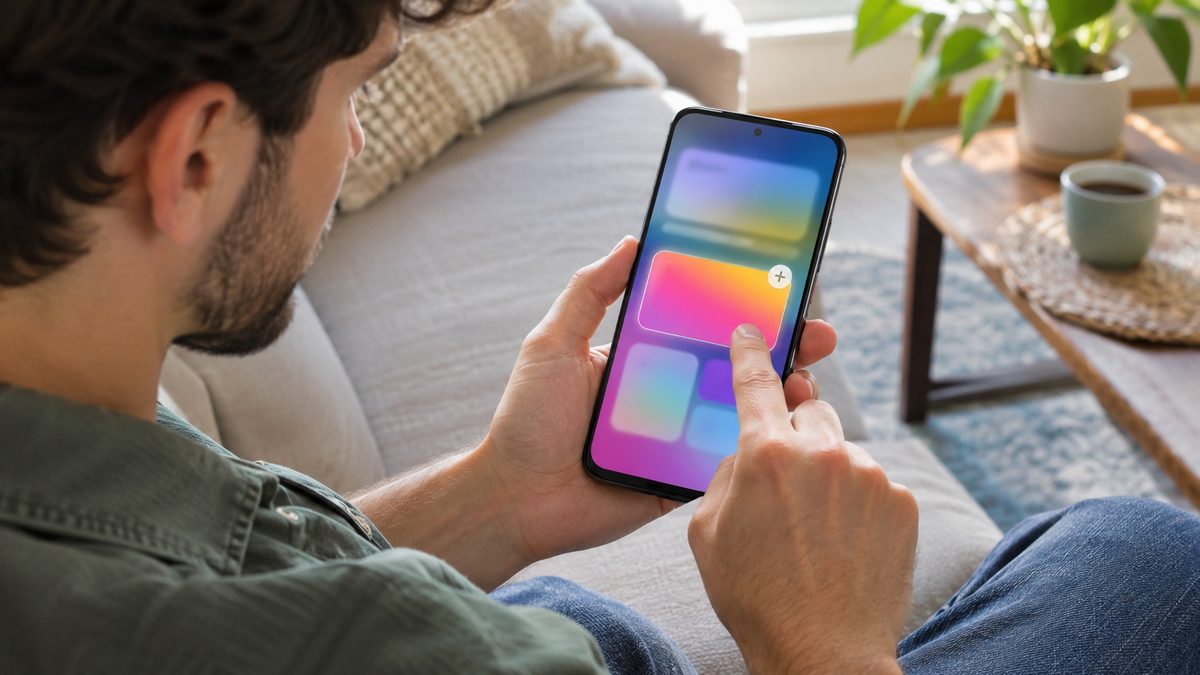
Create My Widget is Google's new Gemini tool that builds a home screen widget from a sentence you type. If you have a Pixel 10 or Pixel 11 (not the Pixel 10a), you can get it today by joining the Create My Widget beta on Google Play, even if the November Pixel Drop hasn't reached your phone yet. Then long-press your home screen and go to Widgets > Create.
Here is who can use it, how to turn it on, and what to check when the Create button refuses to show up.
What is Create My Widget and who can use it?
Google shipped Create My Widget with the November 2026 Pixel Drop. You describe what you want to see, for example "Countdown to my vacation on July 15", and Gemini generates a resizable widget for your home screen. If you also want to install the drop itself, our guide to the Pixel November 2026 update and Android 17 QPR2 covers that part.
Google's help page lists the conditions, and all of them must be true:
- Phone: Pixel 10 and newer, except the Pixel 10a. That means Pixel 10, 10 Pro, 10 Pro XL, 10 Pro Fold and the Pixel 11 series.
- Age: 18 or over.
- Language: English.
- Country: Australia, Canada, India, the United Kingdom or the United States.
Two catches are easy to miss. In the UK, Gemini Connected Apps is not available, so a widget can't pull data from Gmail, Docs or Drive there. And Google says some features may need a subscription for higher usage. Google also asks you to check what a widget shows, because the content is AI generated and can be wrong.
How to get Create My Widget before the rollout reaches you
The feature arrives in stages over several weeks. Google posted an official shortcut on Reddit: a public beta of the Create My Widget app on Google Play. It works on a supported Pixel that is still waiting for the November OTA.
- Open the Google Play Store on your Pixel and search for Create My Widget. If search shows nothing, open the beta sign-up page directly on the phone.
- On the app listing, scroll down to Join the beta and tap Join. On the sign-up page, the button is called Become a tester.
- Wait. Enrollment can take a few minutes. Android Authority reported about 10 minutes in its test.
- Go back to the Play Store listing and tap Update to install the beta version of the app.
How to create a custom widget step by step
The first time you tap Create, the Pixel asks where widgets get their information: Use Google apps connected to Gemini (Calendar, Gmail and more) or Use web data & location only (weather, news, stock trackers). Pick the second option if you don't want a widget reading your inbox.
- On your Home screen, touch and hold an empty space.
- Tap Widgets, then tap Create in the top right corner of the widget sheet.
- Tap Describe your widget and type what it should display, such as "Show me the next soccer game".
- Tap Send. Depending on the request, it takes from under a minute to about two minutes.
- Review the preview. Tap Edit to ask for changes, or + Add to place it on the Home screen.
Prefer not to write a prompt? On the Create screen, pick a template category such as Important dates, Sports & fitness or Finance, adjust the details if you want, and tap Add.
To change a widget later, touch and hold it on the Home screen, tap Edit, type your changes on the "Edit your widget" screen and tap Send. If a widget asks for device or app data, tap Allow, or it won't be able to fill itself in.
If the Create button still doesn't show up
Lots of owners hit this. A "Where is Create my widget?" thread on the Pixel Community, from a Pixel 11 Pro XL user in the US who already had the November drop, is marked as a trending issue. Work through these in order:
- Check eligibility first. A Pixel 10a, a phone set to a language other than English, or an account outside the five countries won't get the button, whatever you install.
- Join the beta above. It's the official way to skip the staged rollout, and it doesn't depend on the system update.
- Update everything. A Product Expert on that thread points out that new features often arrive through Google Play system and services updates. Check Android updates in Settings, update your apps in the Play Store, then open Settings > your name and profile picture > Google > All services tab > Privacy & security > System services.
- Wait a few days. Some features are switched on from Google's servers. In that case nothing on your side will speed it up.
Create My Widget is not the only feature from this drop that comes and goes. Pixel Family Hub is rolling out the same staged way, and the same update checks apply.
Quick answers
Does Create My Widget work on the Pixel 10a?
No. Google's help page lists Pixel 10 and newer devices and names the Pixel 10a as the exception. The beta won't change that.
Do I need the November Pixel update to use it?
No. Google says the Play Store beta works even if the November update hasn't installed yet, as long as the phone is a supported model.
Can I use Create My Widget outside the US?
Yes, but only in Australia, Canada, India and the UK, and only in English. UK users don't get the Connected Apps integration, so widgets there stick to web data and location.