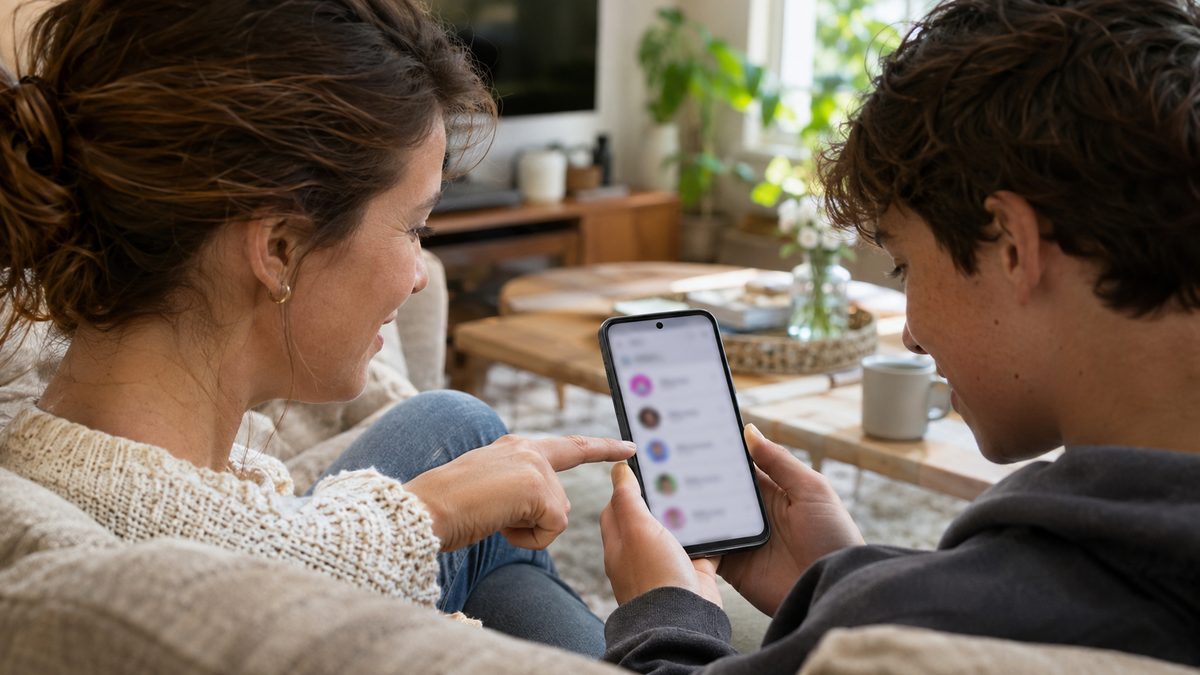
Family Hub is the new Family entry in your Pixel's Settings app, sitting right under your Google Account at the top of the list. It came with the November 2026 Pixel Drop and a Google Play services update, and it works on the Pixel 6 and newer. If you don't see it, the usual reason is simple: the shortcut only appears when your account belongs to an active Google family group.
What Family Hub is and who gets it
Google first listed the feature in its system services release notes for Google Play services v26.43, dated November 2, 2026. The note calls it "a dedicated space for family management tools in Android Settings". Google then put it in the November Pixel Drop on November 10, with a footnote that matters more than the headline: it's available on Pixel 6 and newer devices, the top-level Settings shortcut requires an active Google family group, and sharing Google One benefits requires an eligible plan.
Until now, these controls were spread across the Family Link app, the Play Store and your Google Account page on the web. The new screen pulls them into one place. According to 9to5Google and Droid Life, which both have it running on their Pixels, you get:
- The list of your family members, including child accounts and anyone on your Google One family plan.
- Google One storage, with how much the family is using, plus Google Play Family Library and the shared payment method.
- "Family events" from Google Calendar and other shared services such as YouTube Premium.
- The live location of members who already share it with you, with a button to request it from the others.
- A page for each member, where the family manager can see shared benefits and use "remove" or "transfer".
9to5Google saw it on a Pixel 11 Pro XL still on the October update, so the rollout looks server-side and tied to Play services, not only to Android 17 QPR2. If you also want the rest of this month's changes, our guide to the Pixel November 2026 update with Android 17 QPR2 covers the full list.
How to get Family Hub on your Pixel step by step
The menu names below come from Google's own help pages. Do them in this order. Steps 3 and 4 are the ones the shortcut depends on.
- Install the latest system update. Open Settings, tap System, then Software updates, and follow the on-screen instructions. Google recommends Wi-Fi and at least 75% battery before you start. Pixel phones install updates in the background, and they only become active after a restart.
- Update Google Play services. In Settings, tap your profile picture, then All services. Under "Privacy & Security", tap System services, then Google Play services, and tap Update or Install. No button means you're already current or the new version hasn't reached you yet.
- Check whether you already have a family group. Open g.co/yourfamily in your browser while signed in. Creating a child account or a Play family library may have made one for you already.
- Create the group if there isn't one. On that page, select Create a family group, then Get started. Under "Ready to be a family manager?", select Confirm, enter the people you want to invite and select Send.
- Restart the phone and open Settings. Look just below your account at the top. You can also type "Family" in the Settings search bar.
A family group holds up to 6 people, and you can only be in one at a time.
If Family Hub still doesn't show up
Most failures come from the family group rules, not from the phone. Google's help page for creating a family lists these errors:
- Work or school account. You can't create a family group with a Google Account from your work, school or another organization. Switch to a personal Gmail account on the phone.
- Country not supported. The manager and every member must have the same Google Play country.
- Age requirement not met. The family manager must be above the age of majority in your country. A younger user can still be invited by an adult.
- You changed groups recently. You can only change family groups once every 12 months, so a recent switch can block you for a while.
If everything above checks out, wait a few days. Google says the Pixel Drop features roll out in phases over the coming weeks, depending on carrier and device. And if your Pixel has other problems since the update, such as wireless charging that stopped working after the November update, deal with those separately, they're unrelated.
Quick answers
Is Family Hub the same as Family Link?
No. Family Link is the app parents use for screen time limits, app approvals and a child's device. Family Hub is a summary screen in Settings for the whole family group: members, shared subscriptions, storage, calendar and location. Keep Family Link installed if you manage a child's phone.
Will Family Hub come to Samsung or other Android phones?
Google hasn't said. The Play services release note doesn't name devices, and the Pixel Drop footnote only covers Pixel 6 and newer. Because it ships through Google Play services, other brands could get it later, but nothing official confirms that yet.
Can my family see my location through Family Hub?
Only if you already share it with them. The screen shows members who share their location and offers a request button for those who don't. Nothing starts sharing on its own.