Google chrome is one of the richest and powerful web browser for surfing the Internet world. Chrome Tips and Tricks makes it perfect for you. It comes with many useful and interesting features; third party extension is one of them. Extensions make it an unbeatable browser to do more with it.
Earlier, chrome comes with a small installation file, and the installation file downloads the required files. Now that time is gone. You can download Google Chrome standalone offline installer to install it anytime and any computer without the presence of the Internet.
Useful Chrome Tips and Tricks
Here we shared some useful Youtube videos to better understand about chrome and stay tuned with it.
1) Translating web pages in Chrome
Chrome is the easiest way to understand different languages over the Internet. It not teaches you the language. It just translates any language to any other language which you’re able to understand.

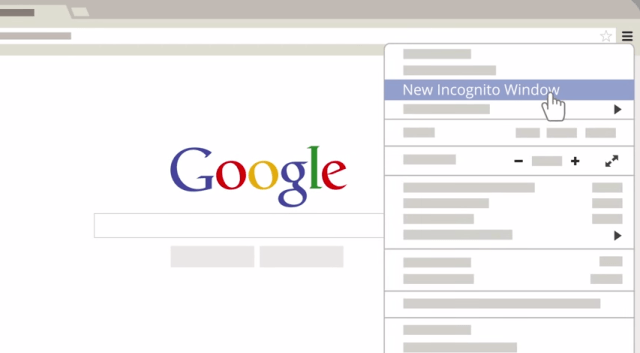
2) Using Chrome’s Incognito mode
Chrome’s Incognito mode is the simple way to keep your personal data safe when you browse web pages. I have earlier posted about, how to enable chrome extension in incognito mode.
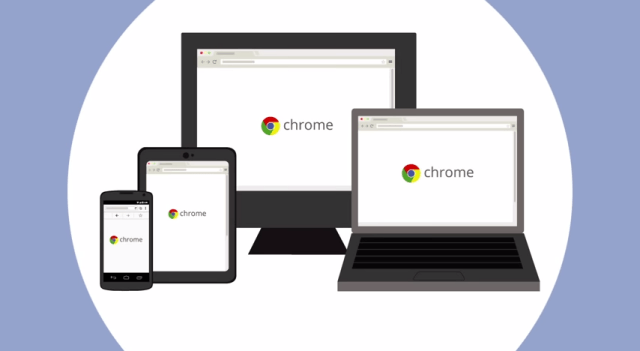
3) Using Chrome on different devices
It doesn’t matter which device you are using. Chrome easily synchronies the browsed data from one device to another. It helps you to navigate the PC browser data in your phone, tablet or vice versa.
4) Three tips for spotting malware
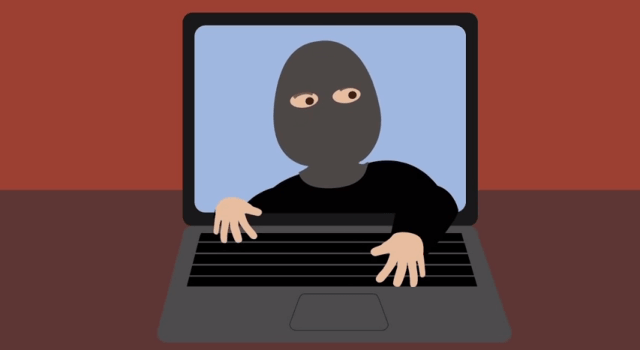
Many Internet sites are come with malware, spyware and viruses that affect your PC and try to steal your personal data. You can easily protect your computer from these types of sites with these chrome tips.
5) Chrome’s settings, your way
Chrome is your browser, and it is very easy to customize Google’s chrome with your own way.
6) Keeping Chrome updated
Chrome is designed to update automatically, without interfering your work. In the background, it updates new chrome feature, security updates and general fixes.
7) Clear cache and cookies in Google Chrome
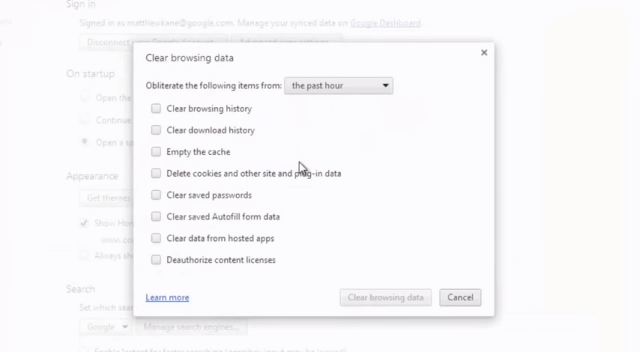
After clearing cache and cookies in Chrome it loads faster and gives a better performance. It is good to do it once in every week or every month.
Here are the seven useful chrome tips and tricks to enjoy a better web browsing experience. Watch these animated videos to know more about it.